

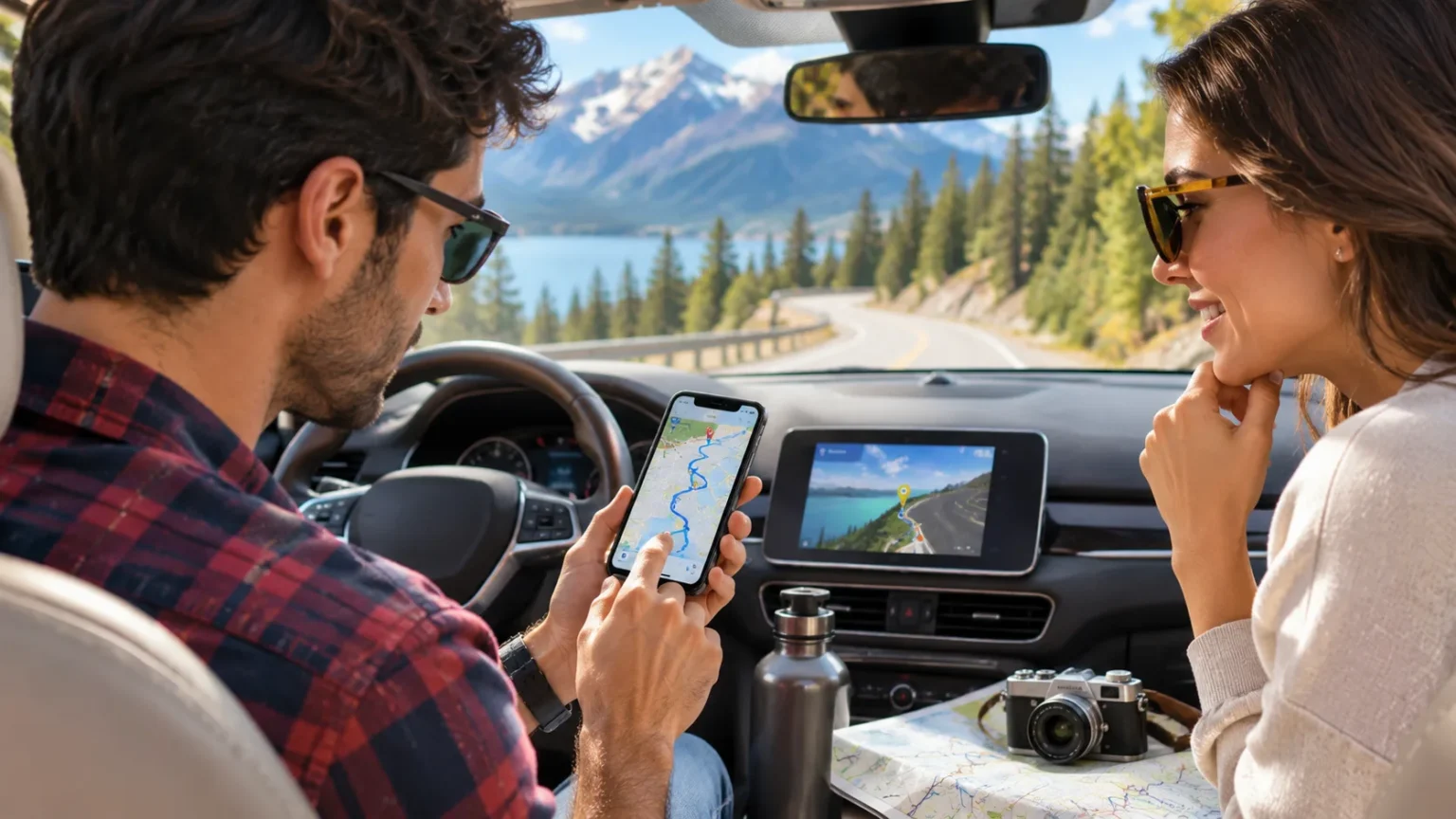
Planning a road trip can be exciting, but organizing routes, fuel stops, accommodation, and sightseeing can quickly become overwhelming. The best road trip apps make traveling easier by helping you find directions, discover interesting attractions, compare fuel prices, and prepare for unexpected changes. With the right combination of travel tools, you can spend less time organizing logistics and more time enjoying the journey.
Modern road trip planning apps offer much more than basic navigation. Some provide live traffic updates, while others help travelers discover scenic routes, locate electric vehicle charging stations, or download offline maps. However, each application serves a different purpose, so choosing the right tools depends on your destination, transportation needs, and travel preferences.
This guide explores the best road trip apps for planning smarter and traveling more comfortably. It covers navigation, itinerary planning, fuel budgeting, accommodation, camping, and offline maps. You will also learn how to select suitable apps, avoid common planning mistakes, and organize a practical road trip without relying on too many digital tools.
Why Road Trip Planning Apps Are Worth Using
Road trip planning apps help organize information that would otherwise require several different searches and documents. They can display travel routes, estimated driving times, nearby services, and potential stops. Having these details available in advance makes it easier to understand the journey and prepare a realistic itinerary before leaving home.
Another benefit is the ability to adjust plans when circumstances change. Traffic congestion, road closures, unexpected weather, or accommodation changes may affect the original schedule. Navigation and travel apps can provide updated information when internet connectivity is available. However, travelers should remember that digital information may occasionally be incomplete or outdated.
The greatest advantage comes from selecting applications that address your actual travel needs. A short weekend drive may require only navigation and weather information, while a longer journey could benefit from detailed itinerary planning. Using a small number of dependable tools usually creates a simpler experience than managing numerous overlapping applications.
Google Maps: Best Overall Road Trip Navigation App
Google Maps is one of the most versatile road trip apps because it combines navigation with information about destinations and nearby services. Travelers can explore driving routes, estimate journey times, and search for restaurants, accommodation, and attractions. Its familiar interface makes it suitable for both short journeys and longer travel plans.
One useful feature is the ability to add multiple destinations to a route. This helps travelers organize stops rather than treating every destination as a separate journey. Google Maps also provides traffic information and alternative routes where supported. However, actual arrival times can change because of congestion, weather, or other conditions.
Offline maps are another advantage for areas with limited mobile coverage. Downloading supported regions in advance allows driving navigation within the saved map area without an active internet connection. However, offline driving does not include live traffic information or alternative routes. Travelers should confirm that necessary maps are downloaded and updated before departure.
Roadtrippers: Best App for Planning Scenic Routes
Roadtrippers is designed for travelers who want to turn a journey into a detailed sightseeing itinerary. Instead of focusing only on the fastest route, it helps users find interesting places along the way. These may include scenic attractions, historic landmarks, local restaurants, and unusual roadside destinations.
The application allows travelers to organize multiple stops and arrange itineraries by day. Users can explore attractions within a selected distance from their route, making it easier to balance driving time with sightseeing. Roadtrippers also offers estimated fuel expenses and trip collaboration features. Some capabilities require a paid subscription.
Roadtrippers is particularly useful for longer journeys involving multiple destinations. However, detailed itineraries should include time for meals, rest, and unexpected delays. Adding too many attractions can make the schedule unnecessarily demanding. The best approach is to prioritize a manageable number of worthwhile stops instead of attempting to visit everything.
Waze: Best Road Trip App for Live Traffic Updates
Waze is a navigation application known for its real-time traffic information and community-reported road conditions. It provides route guidance while incorporating reports about congestion, crashes, construction, and other potential disruptions. These features can be valuable when traveling through unfamiliar cities or busy road networks.
The application can adjust suggested routes when traffic conditions change. It also provides estimated arrival times and certain road-related notifications. However, the usefulness of community reports depends on local participation and available data. Features and coverage can vary between countries, so travelers should not assume every alert will be available everywhere.
Waze works best as a navigation and traffic awareness tool rather than a complete vacation planner. Travelers interested in sightseeing may prefer combining it with a separate itinerary application. For safety, routes and preferences should be reviewed before departure, and a passenger can handle any necessary changes while the vehicle is moving.
GasBuddy: Best App for Planning Fuel Expenses
GasBuddy is a useful option for road trips involving gasoline-powered vehicles, especially in supported markets such as the United States. Its services help travelers research fuel prices and estimate how much a journey may cost. Fuel budgeting can be particularly important during long trips with numerous driving days.
GasBuddy also provides a trip cost calculator that considers the starting location, destination, vehicle fuel economy, and fuel type. This creates an estimated fuel budget based on the supplied information. Actual costs may differ because fuel prices, traffic conditions, vehicle loading, and driving conditions affect consumption.
Fuel estimates are most useful when treated as planning figures rather than guaranteed expenses. Travelers should allow room in their budgets for changing prices and additional travel distances. The application may not provide equally useful coverage in every country. Checking supported regions before relying on it can prevent unnecessary planning difficulties.
iExit: Best App for Finding Highway Stops
iExit is designed around major interstate highways in the United States. It helps travelers identify services available near upcoming exits, including fuel stations, restaurants, hotels, and rest areas. This focus makes it particularly helpful during long highway journeys when practical stopping locations matter more than tourist attractions.
The application organizes nearby services according to interstate exits. Travelers can review information about facilities ahead instead of searching unfamiliar areas individually. This can make it easier to plan meal breaks, accommodation, and routine stops. Its usefulness is greatest on supported U.S. interstate routes.
Unlike a general navigation application, iExit concentrates on services near the highway. It should therefore complement rather than replace regular route navigation. Travelers outside the United States will generally need alternatives suited to their road networks. Choosing region-specific tools helps ensure that the information is relevant to the intended journey.
A Better Routeplanner: Best App for Electric Vehicle Trips
A Better Routeplanner, commonly called ABRP, is designed specifically for electric vehicle journey planning. It helps travelers estimate routes while considering vehicle characteristics, charging requirements, and expected travel time. This makes it a useful planning tool for journeys where charging availability affects the overall schedule.
Users can select a supported electric vehicle model and generate an itinerary that includes estimated charging stops. The platform also offers route alternatives and charging-related information. However, estimates depend on factors such as battery condition, driving conditions, weather, and vehicle data. Real-world energy consumption can differ from predictions.
Electric vehicle travel planning benefits from flexibility because charging stations may be unavailable, occupied, or temporarily out of service. Travelers should verify important stops and consider appropriate alternatives. ABRP can provide a valuable starting point, but charging plans should be reviewed alongside up-to-date station information before departure.
PlugShare: Best App for Finding EV Charging Stations
PlugShare helps electric vehicle travelers locate public charging stations and review information about available charging options. Its map covers numerous charging networks and includes community-contributed details. This makes it useful when researching charging locations before a long journey or checking alternatives near a destination.
The application includes filters for charging compatibility and station characteristics. Users can also review comments, photographs, and other information submitted by fellow electric vehicle owners. These details may help identify practical charging locations. However, user-contributed information does not guarantee that equipment will be functioning when a traveler arrives.
PlugShare works well alongside an EV route planner. One app can help estimate a suitable journey, while the other can provide additional information about specific charging locations. Travelers should confirm connector compatibility, access restrictions, and available charging services. A flexible plan is especially important when traveling through areas with limited charging infrastructure.
Organic Maps: Best Free Offline Road Trip Maps
Organic Maps is an offline navigation application built around OpenStreetMap data. It offers downloadable maps and navigation for driving, walking, and cycling. Its privacy-focused approach is another distinguishing feature. Travelers who prefer navigation without continuously depending on mobile internet may find it particularly useful.
The app allows users to search saved map information and navigate within downloaded regions. This can be helpful when traveling through rural areas or destinations with unreliable mobile coverage. However, map accuracy depends on the underlying geographic information. Road changes and temporary restrictions may not always appear immediately.
Organic Maps is best considered a dependable additional navigation option rather than a complete replacement for every travel service. It does not offer the same live traffic experience as applications designed around continuous connectivity. Downloading relevant areas in advance and checking important route conditions provides a more reliable approach.
Recreation.gov: Best App for Camping Road Trips
Recreation.gov is particularly useful for road trips involving U.S. public lands, campgrounds, and recreational destinations. The application helps travelers discover participating locations, review site details, and manage eligible reservations. It can simplify planning for journeys that include camping or visits to federally managed recreation areas.
Travelers can explore campground information, availability, photographs, and reservation conditions. Certain tours, activities, and passes are also available through the platform. However, not every outdoor destination uses Recreation.gov, and individual locations may have different booking requirements. Checking the specific destination is essential before finalizing a trip.
Camping road trips require attention to more than route distance. Weather, campground access, reservations, and essential facilities can influence the experience. Recreation.gov helps organize part of this information for participating locations. Travelers should also review official park notices and prepare appropriate alternatives when conditions or availability change.
How to Choose the Best Road Trip Apps
Choosing the right road trip apps begins with identifying what you need to organize. Navigation, sightseeing, fuel budgeting, camping, and electric vehicle charging are different tasks. A traveler planning a short city-to-city journey may not need specialized camping tools, while someone visiting several national parks may benefit from detailed reservation information.
App compatibility and regional coverage are also important. Some tools focus primarily on U.S. highways, while others support international navigation. Offline functionality can be valuable in areas with unreliable mobile service. Travelers should review supported devices, subscription requirements, and important limitations before depending on an application.
Privacy and ease of use deserve consideration as well. Some applications request location access or collect information needed to deliver personalized services. Reviewing permissions and settings can help travelers make informed choices. Selecting a few reliable apps with complementary features usually provides a better experience than installing numerous services with overlapping functions.
How to Plan a Road Trip Using Travel Apps
A practical road trip plan starts with selecting the main destination and identifying important stops. Use a navigation application to estimate the journey and review available routes. Then consider sightseeing, meals, accommodation, and rest periods. This creates a realistic framework before more detailed arrangements are made.
Next, use specialized applications to fill important planning gaps. A fuel calculator can help estimate expenses, while a campsite reservation tool may support overnight arrangements. Electric vehicle travelers may need additional charging information. Combining these services allows travelers to address practical needs without relying on one application for every task.
Before departure, confirm reservations, download necessary offline maps, and review current road and weather conditions. Allow extra time for breaks and unexpected delays. Navigation instructions should never replace attention to road signs or actual conditions. Device adjustments should be handled before driving or by a passenger while the vehicle is moving.
Common Road Trip App Mistakes to Avoid
One common mistake is assuming that every app provides completely accurate, real-time information. Road closures, business hours, charging station availability, and travel estimates can change unexpectedly. Online listings may also contain outdated details. Important information should be verified before departure, particularly when access to services is essential.
Another mistake is planning too many stops based only on estimated driving times. Apps may not fully account for meal breaks, traffic delays, sightseeing, or fatigue. A packed itinerary can make traveling unnecessarily stressful. Building flexibility into the schedule creates more opportunities to enjoy the journey comfortably.
Travelers should also avoid relying entirely on continuous mobile connectivity. Remote regions may have limited coverage, preventing some applications from updating. Downloaded maps, saved reservation details, and an alternative navigation option can help with preparation. Above all, road safety should take priority over interacting with a phone or following an app’s suggested arrival time.
Conclusion
The best road trip apps simplify different parts of travel planning, from navigation and traffic awareness to sightseeing and fuel budgeting. Google Maps and Waze provide useful navigation features, while Roadtrippers focuses on itinerary development. Other specialized tools help travelers locate highway services, charging stations, and camping destinations.
Choosing suitable applications depends on the journey rather than the number of features advertised. Offline maps may be essential for remote travel, while detailed charging information matters more for electric vehicle trips. Regional coverage, privacy preferences, and subscription requirements should also influence the decision.
Ultimately, successful road trip planning combines dependable technology with realistic expectations. Apps can help organize important details, but they cannot eliminate changing road conditions or unexpected delays. With a manageable itinerary, suitable navigation tools, and appropriate safety preparations, travelers can enjoy a more organized and comfortable journey.
Frequently Asked Questions
What Is the Best App for Planning a Road Trip?
Google Maps is a versatile choice for navigation and basic stops, while Roadtrippers is useful for detailed sightseeing itineraries. The best option depends on whether you prioritize directions, attractions, or trip organization.
Are There Free Road Trip Planning Apps?
Yes, Google Maps, Waze, and Organic Maps offer useful free navigation features. Other apps may provide limited free access, optional paid upgrades, or subscriptions for advanced planning tools.
Which Road Trip App Works Without Internet?
Google Maps supports offline driving navigation within downloaded areas, while Organic Maps provides downloadable maps for offline use. However, live traffic information and other online features may be unavailable without connectivity.
What Are the Best Road Trip Apps for Electric Vehicles?
A Better Routeplanner helps estimate EV routes and charging stops, while PlugShare provides charging station information and community reviews. Using both can support more informed planning for longer electric vehicle journeys.
How Many Road Trip Apps Do You Really Need?
Most travelers can begin with one navigation app and one specialized planning tool. Additional apps are useful when the trip requires fuel budgeting, camping reservations, EV charging, or reliable offline navigation.